
Teams and company
Teams and members
Create teams, invite users, and understand frozen teams after plan changes.
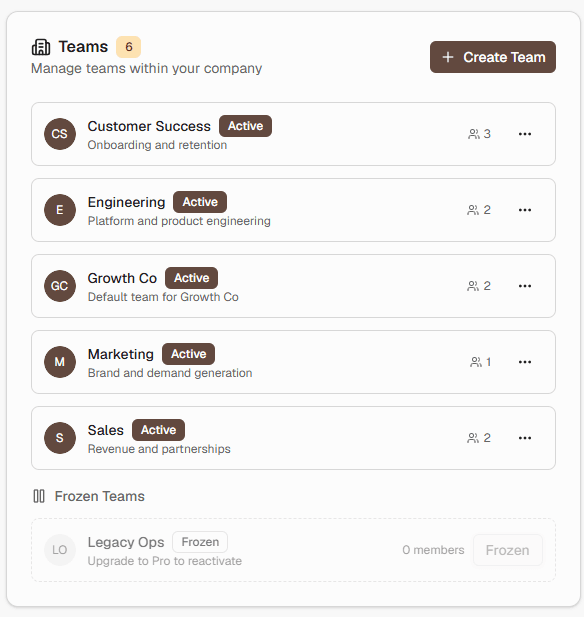
Teams
Your company starts with a default team. Company admins can create additional teams up to the plan limit.
Nudges belong to a team. Analytics for members are scoped to their teams.
Inviting people
Invite coworkers by email as company members or admins, and place them on the right teams. Invited people create or sign into an account with that email.
Remember: recipients on a nudge do not need invites or seats. Only dashboard users do.
Frozen teams
If a downgrade exceeds your team limit, excess teams can be frozen. Frozen teams do not send nudge emails until you upgrade or reduce active teams.