Getting started
Dashboard overview
How the Nudgely home dashboard, sidebar navigation and attention lists work.
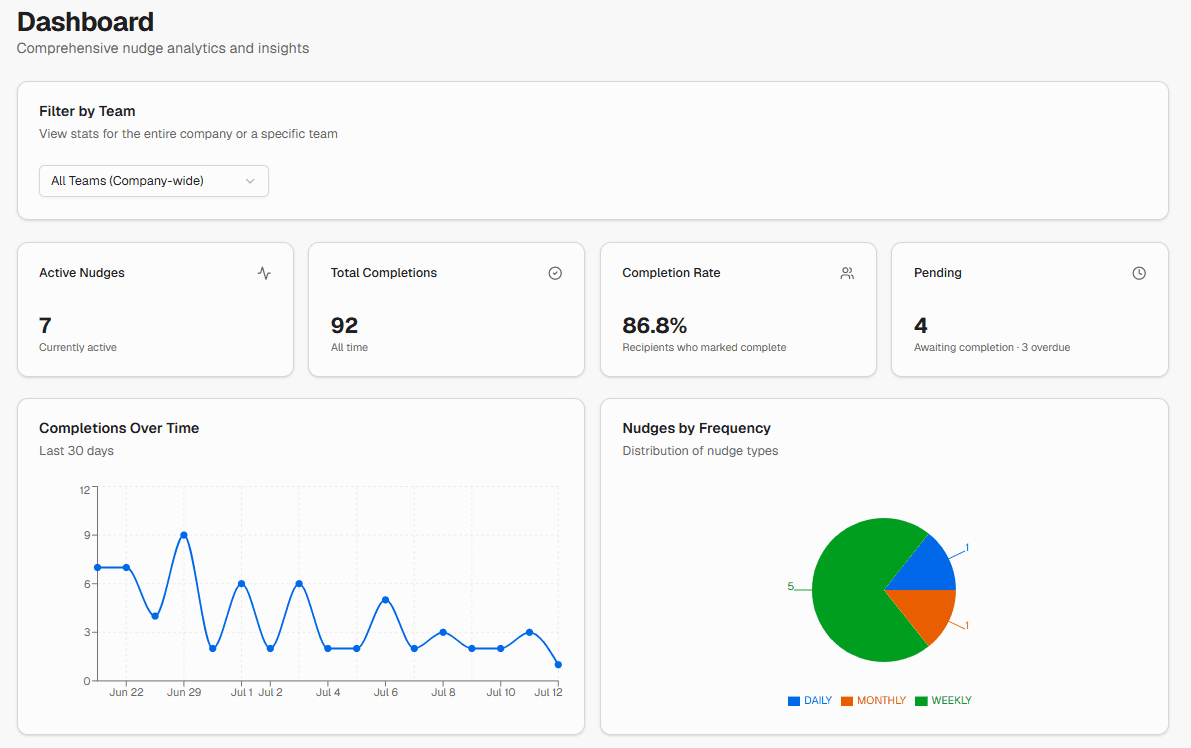
The home dashboard summarises recurring work across the teams you can access.
What you see
Depending on your plan:
- Free: basic count cards (for example active nudges and recent activity)
- Starter and above: charts and tables such as completions over time, team performance, top nudges, items needing attention, and recent completions
Company admins see data across all teams. Members see analytics for their teams.
Sidebar navigation
| Item | Purpose |
|---|---|
| Dashboard | Home analytics |
| Nudges | Create and manage recurring reminders |
| Templates | Start from ready-made schedules |
| Teams and Users | People and team membership |
| Company Settings | Profile, branding, digest, export (admins) |
| Get Help | Opens this help centre |
Billing and subscription are available to company admins from the user menu.
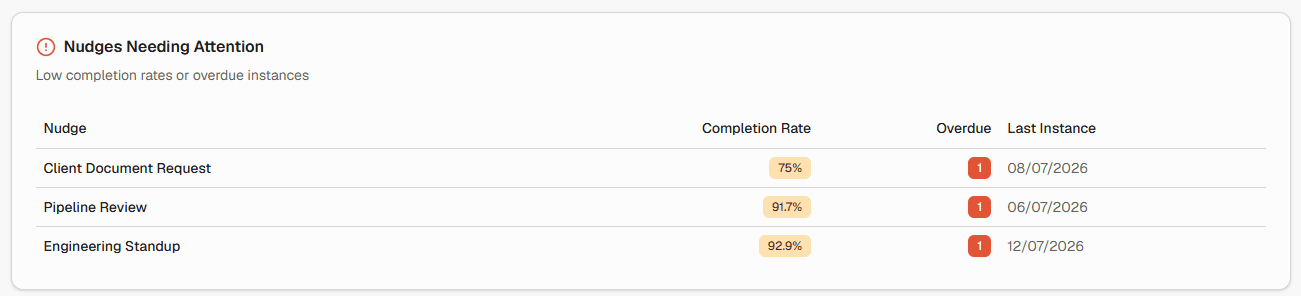
Needing attention
Paid plans with full statistics show work that needs follow-up, including overdue instances.
Notifications
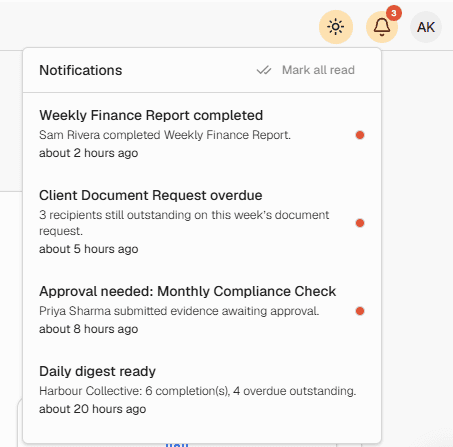
The header bell shows in-app notifications such as completions, invites and payment issues for admins.